
- Joined
- Apr 28, 2026
- Messages
- 1,012
- Reaction score
- 0
- Points
- 36
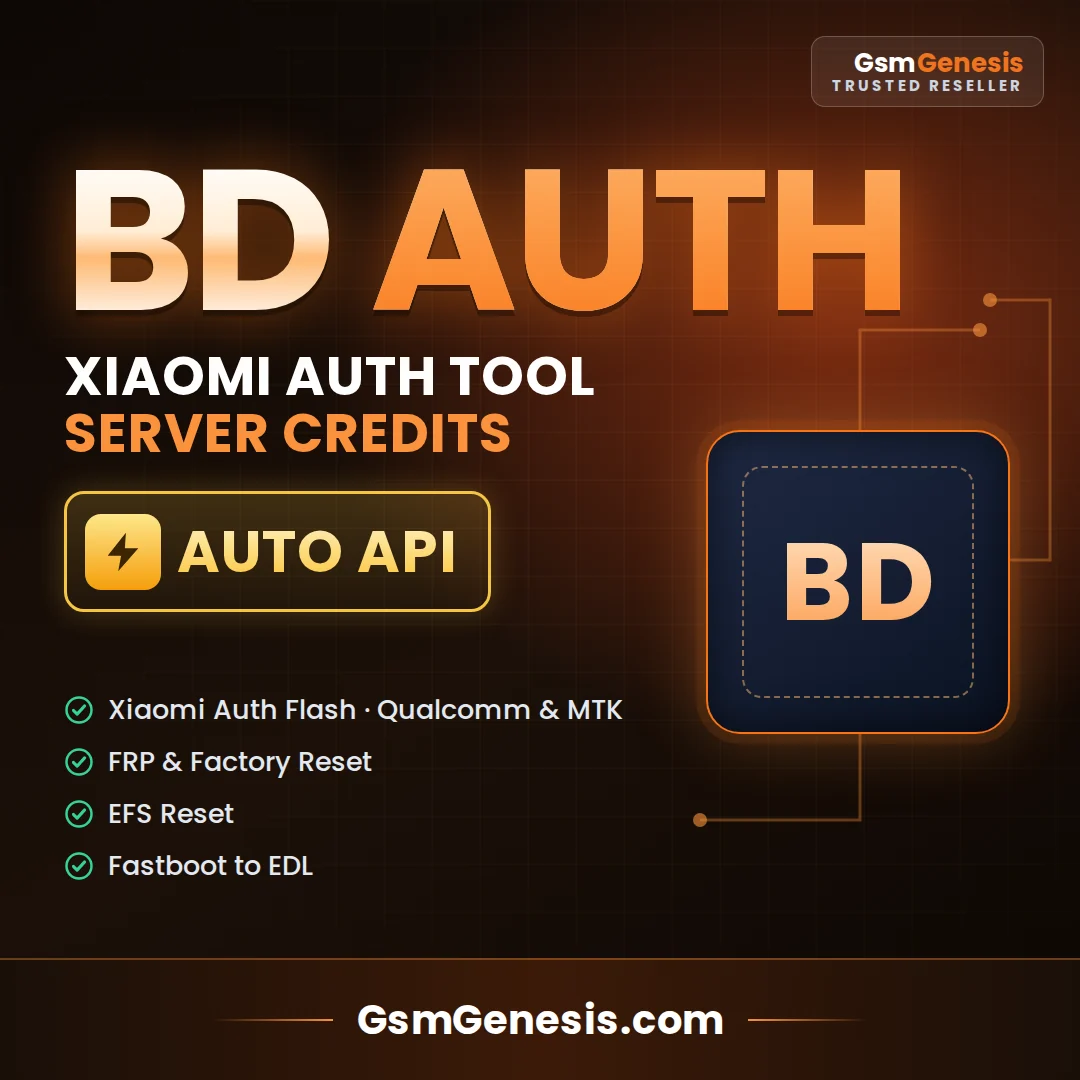
Xiaomi BD Auth Tool Credit Any Qty (AUTH, FRP, FASTBOOT TO EDL) (Existing Account) AUTO API
 Xiaomi BD Auth Tool Credits – Auto API
Xiaomi BD Auth Tool is a server-based authorization tool for Xiaomi, Redmi and POCO phones. Credits are added automatically to your existing BD Auth Tool account, usually within a few minutes.
 What You Can Do
 Auth Flash – Qualcomm: authorized firmware flashing in EDL mode.
- Auth Flash – MediaTek: flashing with SP Flash Tool (BD V5 / V6 modes).
- FRP Reset: remove Google account lock on supported models.
- Factory Reset on supported models.
- EFS Reset on supported models.
- Fastboot to EDL on supported Qualcomm models.
 Product Details
Product – Xiaomi BD Auth Tool Credits
Account – Existing BD Auth Tool account (username required)
Order Quantity – Minimum 5 – maximum 100 credits per order
Delivery – Auto API, usually 1–5 minutes
Chipsets – Qualcomm & MediaTek (MTK)
Credit Use – Each function uses a set number of credits, shown inside the tool
 How to Order
- Register a BD Auth Tool account on the official website if you do not have one.
- Enter the number of credits (5–100) and your exact BD Auth Tool username.
- Complete payment. Credits are added to your account automatically.
- Open the tool, log in and check your credit balance.
 Important Notes
- Double-check your username. Credits sent to a wrong username cannot be reversed.
- Some modes do not support China versions, FMI ON or MDM devices.
- Supported functions depend on the model, chipset and security version. Check before you buy.
- Digital product. No refund after credits are added.
- Use only on devices you own or are authorized to service.
 Software
Official website, registration and tool downloads:
 Visit BD Auth Tool Website How to Order
- Click Buy Now below to open the product on GsmGenesis.com
- Enter the required details (username / email / ID) exactly as asked on the order page
- Pay securely – your order is processed automatically

 Price: $0.46 USD •
 Delivery: 1-5 Minutes • In stock BUY NOW – Xiaomi BD Auth Tool Credit Any Qty (AUTH, FRP, FASTBOOT TO EDL) (Existing Account) AUTO API
 Need help? Website: www.GsmGenesis.com
GsmGenesis – Official Worldwide Distributor | Instant digital delivery | Secure payment