
- Joined
- Apr 28, 2026
- Messages
- 1,157
- Reaction score
- 0
- Points
- 36
RTC Tool - Transfer Credits to Existing Account
 RTC Tool – Transfer Credits to Existing Account
RTC Tool is a professional mobile servicing software designed for GSM technicians, software engineers, and repair professionals. It offers powerful features for FRP reset, flashing, unlocking, servicing, and other supported Android device operations.
This Transfer Credits to Existing Account service is specially made for users who already have an RTC Tool account and want to add credits for supported server-based operations and services.
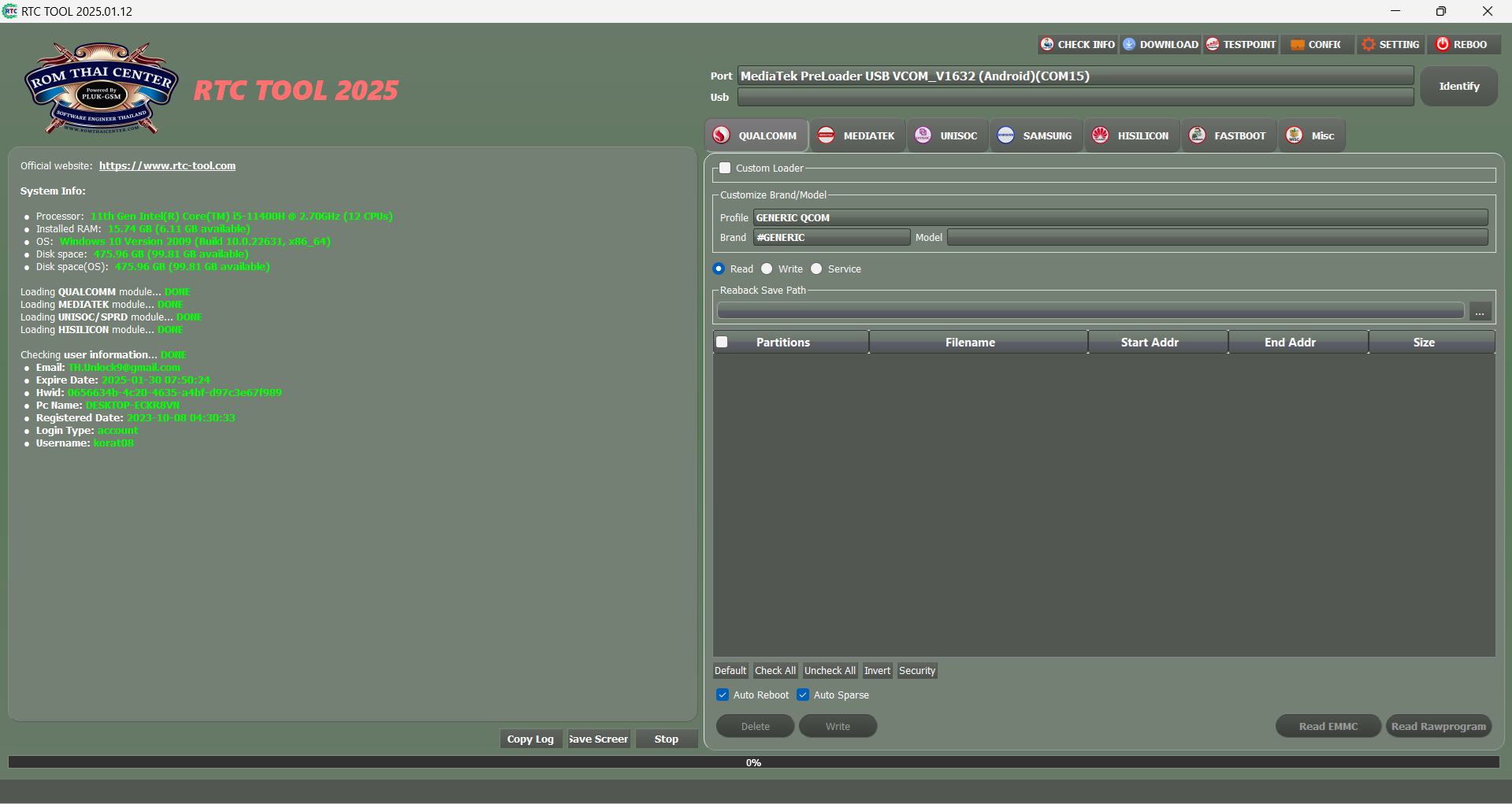
 Key Features of RTC Tool
 Credit transfer to existing RTC Tool account
- Supports server-based tool operations
- Easy top-up for eligible RTC services
- Fast processing for existing users
- Online login-based account access
- Professional servicing platform
- Suitable for GSM technicians and repair professionals
- Official RTC Tool ecosystem support
 Why Choose RTC Tool Credit Transfer?
RTC Tool credit transfer is a convenient solution for users who already have an account and need additional credits for supported functions. It helps professionals continue their daily servicing work without needing a new activation plan.
- For existing RTC Tool users only
- Simple and useful account top-up option
- Best for users needing additional service credits
- Helps maintain workflow without interruption
- Easy account-based delivery process
 Important Note
Note: This is a Digital Product. No Refund Policy Applicable.
 Download & Access RTC Tool
Download the latest RTC Tool setup and access your account using the official platform links below.
Download Official Tool  Login Account
 Register Account
 Help & Video Guide
RTC Tool also provides help resources and video guidance for users through its official help section.
 View Help / Videos
 How to Use RTC Tool Credit Transfer
- Download and install the latest RTC Tool software
- Login to your existing RTC Tool account
- Purchase RTC Tool Transfer Credits to Existing Account
- Provide the correct existing account details if required
- Wait for credit transfer confirmation
- Login and use the credited services/functions as supported
 Official Credit Transfer | Existing User Support | Fast Account Top-Up
 Frequently Asked Questions (FAQ)
Q1: What is RTC Tool Transfer Credits to Existing Account?
 It is a service that allows credits to be added to an already existing RTC Tool account for supported operations.
Q2: Is this product for new users?
No, this service is intended for users who already have an RTC Tool account.Q3: Do I need to register a new account?
No, you only need your existing RTC Tool account details for this credit transfer service.Q4: Where can I download and access RTC Tool?
You can download the latest setup and access your account through the official RTC Tool website. How to Order
- Click Buy Now below to open the product on GsmGenesis.com
- Enter the required details (username / email / ID) exactly as asked on the order page
- Pay securely – your order is processed automatically

Delivery: Minutes • In stock BUY NOW – RTC Tool - Transfer Credits to Existing Account Related plans: RTC Tool - 3 Months (New/Rnew Activation) • RTC Tool - 12 Months (New/Rnew Activation)
 Need help? Website: www.GsmGenesis.com
GsmGenesis – Official Worldwide Distributor | Instant digital delivery | Secure payment