
- Joined
- Apr 28, 2026
- Messages
- 524
- Reaction score
- 0
- Points
- 16
 PIXEL SERVICE TOOL CREDITS
 Google Pixel Factory / Network Unlock Credit Recharge
 PRODUCT OVERVIEW
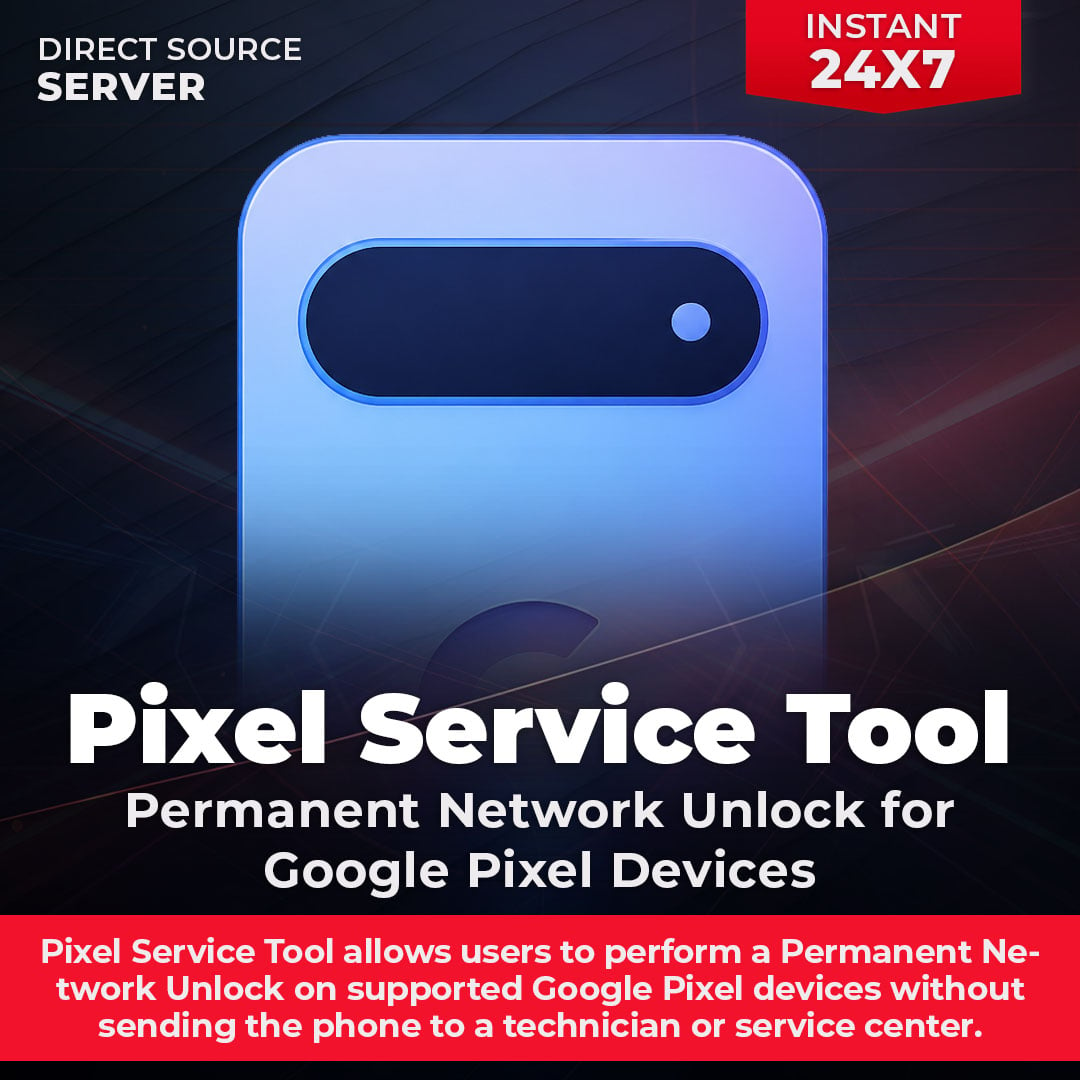
Pixel Service Tool Credits provide access to supported Google Pixel Factory / Network Unlock operations through the Pixel Service Tool platform.
Pixel Service Tool is a professional credit-based solution designed for GSM technicians, mobile repair shops and resellers. Create your account, download the Windows tool, add credits and process supported Google Pixel devices.
 NO SUBSCRIPTION REQUIRED
There are no monthly subscription charges. Simply add credits whenever required and use them for supported operations.
 MAIN FEATURES
 One-Click Factory Unlock Workflow
- Automatic Device and Model Detection
- Android Version Detection
- Security Patch Detection
- Device Serial Detection
- Root Status Detection
- Live Operation Progress
- Fast and Professional Processing
- Credit-Based Pay-Per-Use System
- No Monthly Subscription Required
- Suitable for Technicians, Repair Shops and Resellers
 SUPPORTED GOOGLE PIXEL DEVICES
Pixel Service Tool supports modern Google Pixel generations from the Pixel 6 Series through Pixel 10 Pro Fold.
 Google Pixel 6 Series
- Google Pixel 7 Series
- Google Pixel 8 Series
- Google Pixel 9 Series
- Google Pixel 10a
- Google Pixel 10
- Google Pixel 10 Pro
- Google Pixel 10 Pro XL
- Google Pixel 10 Pro Fold
Important: Compatibility may depend on the exact model, Android version, security patch, carrier and current tool support. Always verify compatibility before processing.
 HOW IT WORKS
- Create your Pixel Service Tool account.
- Download and open the latest Windows tool.
- Log in using your registered account.
- Your device or computer will be linked automatically on the first login.
- Add the required credits to your account.
- Connect the supported Google Pixel device via USB.
- Allow the tool to detect the device information.
- Select the available unlock operation.
- Start the process and follow the on-screen instructions.
REQUIREMENTS- Windows PC
- Pixel Service Tool Account
- Latest Pixel Service Tool Application
- Sufficient Credit Balance
- Supported Google Pixel Device
- Working USB Connection
- Stable Internet Connection
Good to Know: A separate monthly activation or subscription is not required. You only need an account, the latest tool and sufficient credits.
CREDIT SYSTEM- Pay only for the operations you perform.
- Add credits whenever you need them.
- No monthly subscription is required.
- Credits are added directly to the provided account.
- Credit requirements may vary according to the selected service.
- Purchasing credits may activate the customer account for use.
Important: Please purchase sufficient credits for your required operation. Always check the current credit requirement inside the tool.
 DOWNLOAD & REGISTRATION
The Pixel Service Tool is designed for Windows and is provided as a single .EXE application. Always download the latest version from the official platform.
 DOWNLOAD LATEST VERSION
 CREATE PIXEL SERVICE TOOL ACCOUNT
 IMPORTANT NOTES
- Pixel Service Tool works on a credit-based system.
- Always provide the correct Pixel Service Tool account when ordering.
- Credits are digital and added to the specified customer account.
- Credits cannot be refunded after successful delivery.
- Supported devices and functions may change with future updates.
- Compatibility depends on the model, carrier, Android version, security patch and device condition.
- Always verify current compatibility before processing a device.
- Use this service only on devices you own or are authorized to service.
 BUY PIXEL SERVICE TOOL CREDITS
Fast Credit Recharge • Secure Delivery • No Subscription
ORDER NOW FROM GSM GENESIS CONNECT WITH GSM GENESIS
 WhatsApp Support
 Telegram Channel
 WhatsApp Channel Official Website
GSM Genesis — Official Distributor