
- Joined
- Apr 28, 2026
- Messages
- 1,012
- Reaction score
- 0
- Points
- 36
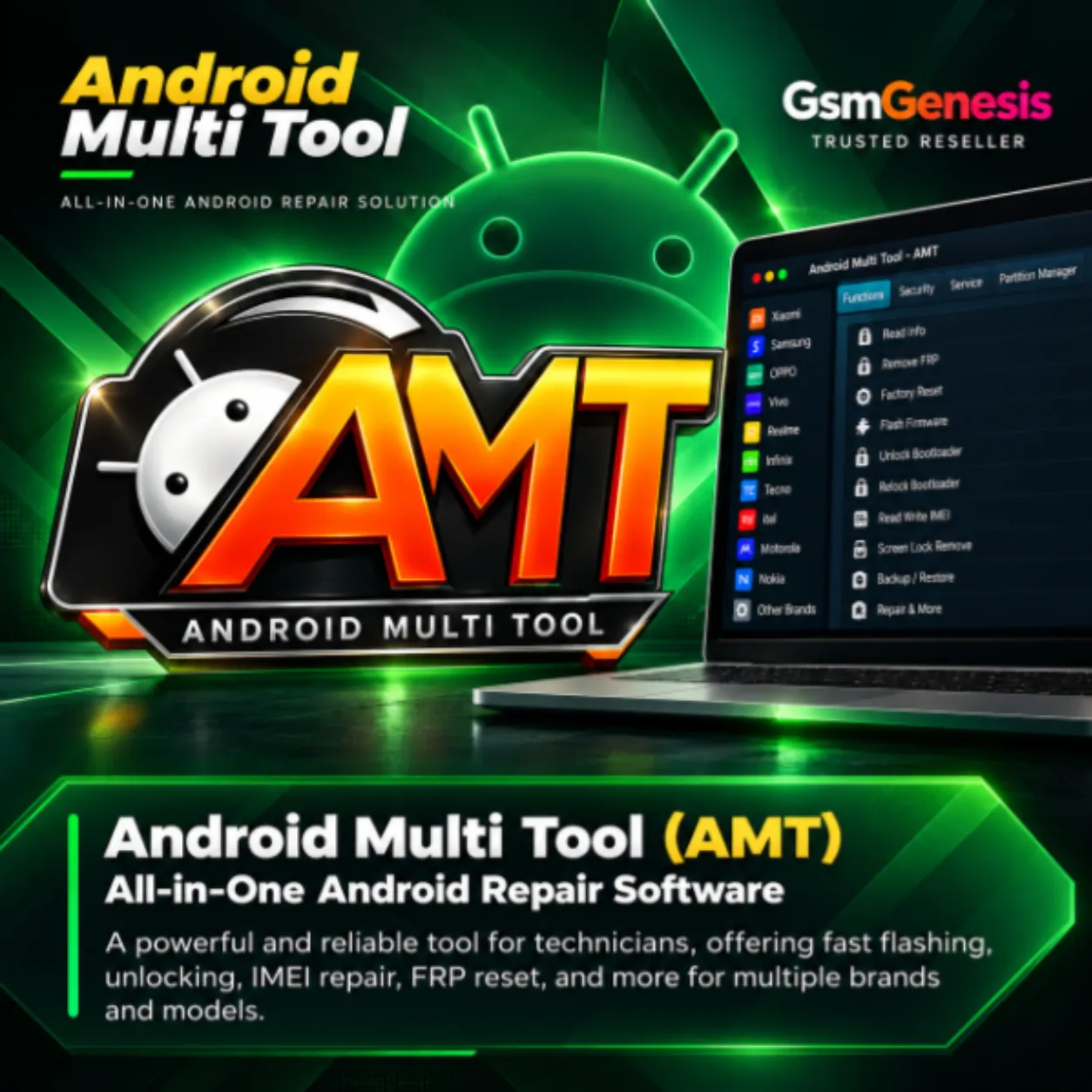
 Android Multi Tool (AMT) – 6 Month Activation
 Overview
Android Multi Tool (AMT) – 6 Month Activation is an official digital activation for Android Multi Tool, providing 6 Months / 180 Days of access.
AMT is designed for professional Android servicing and supports FRP removal, screen lock operations, factory reset, flashing and other supported functions across a wide range of MTK and Qualcomm devices.
 Key Features
 Official Android Multi Tool (AMT) Activation Valid for 6 Months / 180 Days No Box or Dongle Required FRP Removal Screen Lock / Pattern / PIN Removal Factory Reset & Format Operations Firmware Flash / Read / Write MTK & Qualcomm Support Read Device Information Easy One-Click Operations Regular Updates with New Model Support
 Supported Devices
✔ Samsung
✔ Xiaomi
✔ OPPO
✔ Vivo
✔ Realme
✔ Infinix
✔ Tecno
✔ itel
✔ MTK-Based Android Devices
✔ Qualcomm-Based Android Devices
✔ Other Supported Android Brands
 License & Service Details
Product: Android Multi Tool (AMT)
Activation Period: 6 Months / 180 Days
License Type: Digital Activation License
Delivery: Activated on Your AMT User ID
Requirement: AMT User ID
Box / Dongle: Not Required
Delivery Type: Digital / Server Service
Server Credits: Some operations may require separate AMT Server Credits
 Important Requirement
Please provide your correct AMT User ID while placing the order.
Your User ID can be found inside Android Multi Tool.
Incorrect User ID details may cause activation delays or activation on the wrong account.
 How to Activate
- Download and install the latest Android Multi Tool:
- Open AMT and find your User ID.
- Purchase the 6 Month Activation from GsmGenesis.
- Enter your correct AMT User ID while placing the order.
- Once processed, activation will be applied to your AMT account.
- Restart Android Multi Tool and log in again.
- Your activation should be detected automatically.
 AMT Server Credits
Some supported AMT operations may require additional AMT Server Credits.
Server Credits can be purchased separately:
https://www.gsmgenesis.com/product/?alias=android-multi-tool-amt-server-credits
 Related AMT Activations
AMT 3 Month Activation:
https://www.gsmgenesis.com/product/?alias=android-multi-tool-amt-3-month-activation
AMT 1 Year Activation:
https://www.gsmgenesis.com/product/?alias=android-multi-tool-amt-1-year-activation
AMT Server Credits:
https://www.gsmgenesis.com/product/?alias=android-multi-tool-amt-server-credits
Important Notes
• Activation validity is 6 Months / 180 Days.
• Please provide the correct AMT User ID.
• No physical product, box or dongle will be shipped.
• Some server-based operations require separate AMT Server Credits.
• Available functions depend on the exact device, chipset, firmware and current AMT support.
• An active internet connection may be required for authentication and server operations.
• Successfully processed digital activations generally cannot be reversed.
• We are a seller/reseller only and do not provide mobile repair or technical servicing.
 BUY NOW
Android Multi Tool (AMT) – 6 Month Activation
https://www.gsmgenesis.com/product/?alias=android-multi-tool-amt-6-month-activation
 CONNECT WITH GSM GENESIS
WhatsApp Support:
https://wa.me/12035167676
Telegram Channel:
https://t.me/GsmGenesis
WhatsApp Channel:
https://whatsapp.com/channel/0029VaBtukNHAdNONgAbM820
Facebook Page:
https://www.facebook.com/GsmGenesisTeam/
Official Store:
https://www.gsmgenesis.com/