
- Joined
- Apr 28, 2026
- Messages
- 684
- Reaction score
- 0
- Points
- 16
[H1]iRemoval PRO Promotion 5.2.1 – iOS 18.6 / 18.7 / 26 / 26.1[/H1]
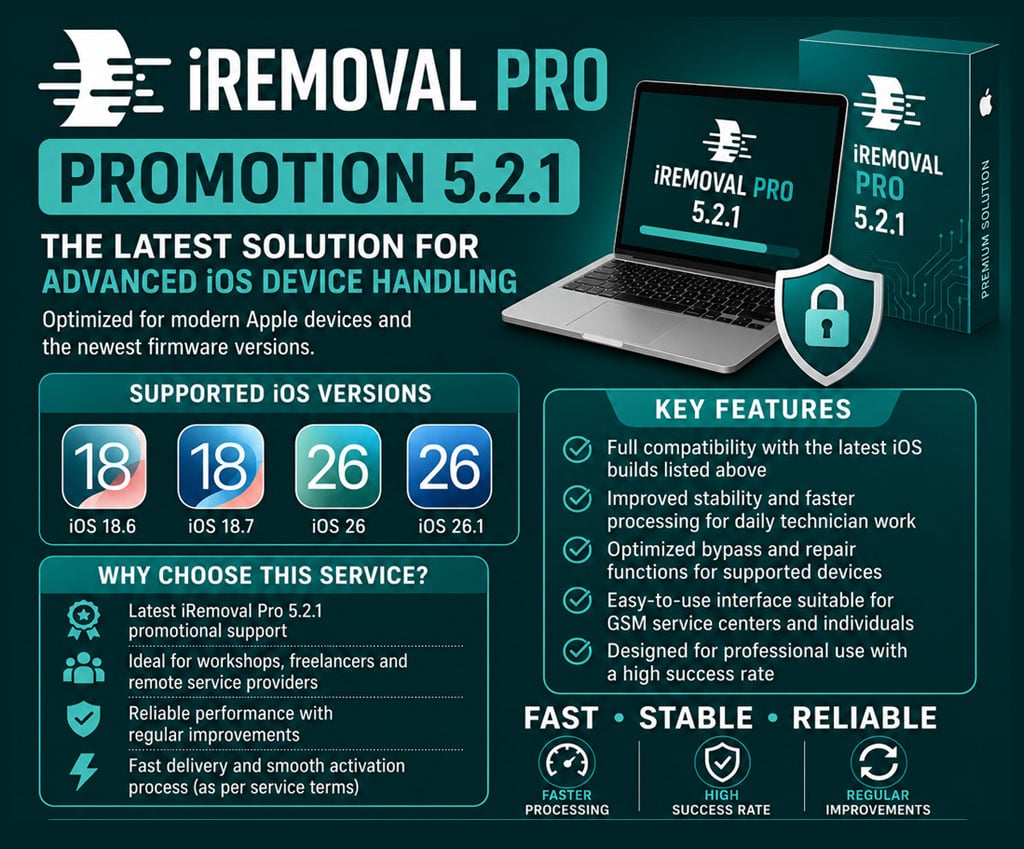
iRemoval PRO Premium Edition 5.2.1
Professional iOS servicing solution with support for newer iOS versions and updated device servicing capabilities. The official iRemoval PRO site currently lists Premium Edition 5.2.1 and support for iOS 18.7.2 through iOS 26.1 for its A12+ no-signal untethered service. :contentReference[oaicite:0]{index=0}
 Product Overview
 Supported iOS Versions
The iRemoval PRO 5.2 announcement specifically added iOS 18.6.x, 18.7 and 26.0 support; the current official service page also lists iOS 18.7.2 through 26.1 for its A12+ no-signal service. :contentReference[oaicite:1]{index=1}
 Key Features
The official 5.2 announcement lists notification fixes, Apple Pay functionality and improved App Store download performance. :contentReference[oaicite:2]{index=2}
 Current Service Compatibility
The official iRemoval PRO service page currently lists an A12+ no-signal untethered service with:
Exact availability depends on the selected service and supported device configuration. :contentReference[oaicite:3]{index=3}
 How to Use
 Service Details
Tool: iRemoval PRO
Edition: Premium 5.2.1
Service Type: Online / Server Service
Platform: iOS
Supported Versions: iOS 18.6 / 18.7 / 26 / 26.1
Delivery: Digital / Online Service
 Important Notes
 Official iRemoval PRO
Official Website: https://iremovalpro.com/
Official Service Portal: https://icheck.iremovalpro.com/
 Buy Now
 Connect With Us
WhatsApp Support: https://wa.me/12017010725
WhatsApp Channel: https://whatsapp.com/channel/0029VaBtukNHAdNONgAbM820
Telegram: https://t.me/GsmGenesisTeam
Facebook: https://www.facebook.com/GsmGenesisAdmin/
iRemoval PRO Premium Edition 5.2.1
Professional iOS servicing solution with support for newer iOS versions and updated device servicing capabilities. The official iRemoval PRO site currently lists Premium Edition 5.2.1 and support for iOS 18.7.2 through iOS 26.1 for its A12+ no-signal untethered service. :contentReference[oaicite:0]{index=0}
Product Overview- ✔ iRemoval PRO Premium Edition 5.2.1
- ✔ Updated iOS compatibility
- ✔ Professional iOS servicing solution
- ✔ Designed for GSM technicians and service providers
- ✔ Online / server-based service
- ✔ Regular updates and compatibility improvements
Supported iOS Versions- ✔ iOS 18.6
- ✔ iOS 18.7
- ✔ iOS 26
- ✔ iOS 26.1
The iRemoval PRO 5.2 announcement specifically added iOS 18.6.x, 18.7 and 26.0 support; the current official service page also lists iOS 18.7.2 through 26.1 for its A12+ no-signal service. :contentReference[oaicite:1]{index=1}
Key Features- ✔ Premium Edition 5.2.1
- ✔ Updated firmware compatibility
- ✔ iOS servicing for supported devices
- ✔ Improved notification support
- ✔ Apple Pay support on supported configurations
- ✔ App Store functionality on supported configurations
- ✔ Improved overall service stability
The official 5.2 announcement lists notification fixes, Apple Pay functionality and improved App Store download performance. :contentReference[oaicite:2]{index=2}
Current Service CompatibilityThe official iRemoval PRO service page currently lists an A12+ no-signal untethered service with:
- ✔ iPhone XS through iPhone 16 Pro Max
- ✔ iPad 8 through iPad M3
- ✔ iOS 18.7.2 through iOS 26.1
- ✔ Untethered / shutdown support
- ✔ iServices / Notifications / iPay
- ✔ Fake Erase
- ✔ No OTA
Exact availability depends on the selected service and supported device configuration. :contentReference[oaicite:3]{index=3}
How to Use- Purchase the required iRemoval PRO service.
- Provide the required device information during checkout.
- Follow the service instructions provided after ordering.
- Connect or prepare the supported device as instructed.
- Run the required iRemoval PRO procedure.
- Wait for the server process to complete.
- Verify the device functionality after completion.
Service DetailsTool: iRemoval PRO
Edition: Premium 5.2.1
Service Type: Online / Server Service
Platform: iOS
Supported Versions: iOS 18.6 / 18.7 / 26 / 26.1
Delivery: Digital / Online Service
Important Notes- Compatibility depends on the device model, iOS version and selected service.
- Always verify the supported iOS/device combination before ordering.
- Service availability may change with future iOS updates and server-side changes.
- Do not disconnect the device during an active service process unless instructed.
- Use only the official iRemoval PRO software/service instructions.
Official iRemoval PROOfficial Website: https://iremovalpro.com/
Official Service Portal: https://icheck.iremovalpro.com/
Buy Now Connect With UsWhatsApp Support: https://wa.me/12017010725
WhatsApp Channel: https://whatsapp.com/channel/0029VaBtukNHAdNONgAbM820
Telegram: https://t.me/GsmGenesisTeam
Facebook: https://www.facebook.com/GsmGenesisAdmin/